

How Long Should a Meeting Be? Research Says Shorter Than You Think
The Default Is Wrong
Open any calendar app and try to schedule a meeting. The default is 30 minutes. Sometimes 60. Rarely anything else. That preset shapes how millions of people plan their days, and it has nothing to do with how long a meeting actually needs to be.
Think about the last meeting you sat through. Did it need to be that long? Most people would say no. Yet every week, the same thing happens: a 30-minute block fills up with 10 minutes of useful conversation and 20 minutes of drift.
This is Parkinson's Law at work: tasks expand to fill the time you give them. Book 60 minutes for a project update? The conversation will wander until it fills the hour. Book 25 minutes for the same update? People get to the point faster. The content does not change. The focus does.
The data backs this up. Atlassian's 2024 research found that 72% of meetings are ineffective at their stated purpose. Not slightly off track. Ineffective. That means nearly three out of four meetings fail to do what they were scheduled to do.
So when someone asks "how long should a meeting be?", the better first question is: does this meeting need to exist at all?

How long should this meeting be?
Answer 4 questions. You might not need a meeting at all.
Should This Even Be a Meeting?
Not everything that ends up on a calendar belongs there. Before you think about meeting duration, run the topic through a simple filter based on what you are trying to accomplish. This is especially important for agencies and distributed teams where every meeting means pulling people out of deep work across multiple time zones.
Share information
Status updates, progress reports, announcements. These almost never need a meeting. Write a note, send a message, or record a short video. Everyone can read it on their own time without blocking an hour for six people.
Get feedback
For straightforward feedback like design rounds or code reviews, asynchronous work is faster and more thoughtful. People give better written feedback because they have time to think. But if the feedback is sensitive, involves someone's performance, or requires nuance, meet. Tone of voice matters when the topic is personal. Async strips out the context that prevents misunderstandings.
Make a decision
Simple decisions with clear options don't need a meeting. Post the options in a shared note, set a deadline for input, and assign a decision owner. But complex decisions with multiple stakeholders and competing priorities? That back-and-forth is painful over chat. Messages get buried, context gets lost, and what should take an afternoon drags on for days. A short, focused meeting saves everyone's time.
Brainstorm
Brainstorming works better in real time. Energy builds when people riff off each other's ideas. But timebox it strictly. Brainstorms that run long lose momentum, and the best ideas usually show up in the first 20 minutes. Set a timer, capture everything, and sort through the ideas afterward. The meeting is for generating, not evaluating.
Build relationships
One-on-ones, coffee chats, team bonding. Always a meeting. This is not about productivity. It is about culture, trust, and making sure people on distributed teams feel connected. You cannot build rapport through task comments. If you want to say no to meetings more often, protect the ones that actually matter.
The case for meeting-free days
If you are still not sure how many meetings to cut, try removing all of them for a day. Research from MIT Sloan found that companies with meeting-free days saw a 71% increase in productivity. Teams reported less stress, more focus time, and better communication because people were forced to write things down instead of scheduling another call.
Evidence-Based Durations by Meeting Type
Once you have confirmed that a meeting is the right format, the next question is how long should a meeting be for that specific type. These recommendations come from published research, not gut feeling.
One-on-ones: 25 minutes weekly or 45 minutes biweekly
Steven Rogelberg's research at UNC Charlotte shows that shorter, more frequent check-ins outperform long monthly meetings. A 25-minute weekly 1:1 keeps issues from piling up. If weekly feels too frequent, do 45 minutes every two weeks. Use check-in questions to keep these conversations focused without making them feel scripted.
"You tend to get more energy and engagement when a meeting is tight by design. Groups operating under some level of time pressure actually perform more optimally given increased focus and urgency." - Steven G. Rogelberg, Chancellor's Professor, UNC Charlotte
Standups: 15 minutes max
The Scrum Guide timeboxes daily standups at 15 minutes for a reason. These are sync points, not status meetings. Each person answers three questions: what did I do, what will I do, what is blocking me. If your standup runs longer, the discussion has drifted into problem-solving that belongs in a separate session. Park the topic, assign someone to follow up, and keep moving. Some teams even run standups async with a daily written check-in, which can work well if your team is spread across time zones.
Sprint planning: 45 minutes per sprint week
A two-week sprint gets 90 minutes of planning. A one-week sprint gets 45. This scales with sprint duration because shorter sprints have less to plan. If planning consistently runs over, the backlog probably needs better grooming before the session.
Client check-ins: 25 to 30 minutes recurring
Most recurring client meetings can stay under 30 minutes if you share progress notes beforehand. The meeting becomes a conversation about blockers and next steps, not a status readout. This is especially true for agencies managing multiple clients. If you have eight clients with weekly 60-minute check-ins, that is an entire workday spent on updates that could have been a shared document. Cut those to 25 minutes and you get a full day back each week.
Brainstorming: 30 minutes
Research on attention and creative output shows that 30 minutes is the sweet spot for brainstorms. After that, attention drops sharply. If you have not generated strong ideas in 30 minutes, more time will not help. Take a break and revisit later.
All-hands: 45 to 60 minutes, with 30% or more for Q&A
All-hands meetings lose the room quickly if they are just presentations. Reserve at least a third of the time for questions. Pre-collect questions through a shared document so introverted team members contribute too. If your all-hands regularly runs over 60 minutes, move some updates to written format.
Project kickoffs: 60 to 90 minutes max
Kickoffs need more time because they set the direction for everything that follows. But even here, 90 minutes is the ceiling. Anything longer means you are trying to cover too much in one session. Split complex kickoffs into two meetings instead of one marathon. Write a clear meeting agenda and share it at least 24 hours ahead.
The 30-minute wall
Across all meeting types, one finding keeps showing up. Attention drops by roughly 52% after the first 30 minutes. That means anything important discussed in minute 45 is landing with half the focus it would have gotten in minute 10. This alone is a strong argument for keeping meeting duration under 30 minutes whenever possible.
The Cost Nobody Calculates
Most teams think about meetings as time. But meetings are also money, and the math is not subtle.
When Shopify built a meeting cost calculator for their internal tools, they found that a single one-hour meeting with seven people, including two executives, cost approximately $2,115. That is not an annual figure. That is one meeting.
"Time is money, and it should be spent on helping our merchants succeed and not on unnecessary meetings." - Jeff Hoffmeister, CFO, Shopify
Shopify then canceled 12,000 recurring meetings and saved 322,000 hours of employee time. The impact was immediate and measurable.
Bain & Company found a similar pattern in a different context. One weekly executive meeting at a large organization consumed 7,000 hours per year across all the prep meetings it generated. The total cost of that single recurring meeting and its downstream effects: $15 million annually.
Here is a useful way to think about it. Every recurring meeting is a salary commitment. A weekly 60-minute meeting with five people at an average cost of $50 per hour runs $13,000 per year. Before you add that meeting to the calendar, ask yourself if you would write a check for that amount.
For small teams, this math hits harder. A 10-person agency where everyone spends 5 hours per week in meetings is burning 25% of their total capacity on conversations. Some of those conversations are valuable. Many are not. The Eisenhower matrix works for meetings too: separate the urgent and important from everything else, and cut the rest.

How to Run Shorter Meetings
Knowing the right meeting duration is only half the problem. The other half is running meetings that actually end on time. These four changes make the biggest difference.
Default to 25 minutes instead of 30
This is a small change that shifts behavior. A 25-minute default creates a natural buffer between back-to-back meetings, which reduces the "running late because my last meeting went over" problem. It also signals that you respect everyone's time. Only 5.4% of meetings currently use the shortened 25-minute format, which means most teams have not tried this yet.
Write the agenda as questions, not topics
"Marketing update" is a topic. "What are the three highest-priority campaigns this week and who owns each?" is a question. Questions create clear endpoints. When the question is answered, that part of the meeting is done. Topics invite open-ended discussion that drifts.
End with action items, not discussion
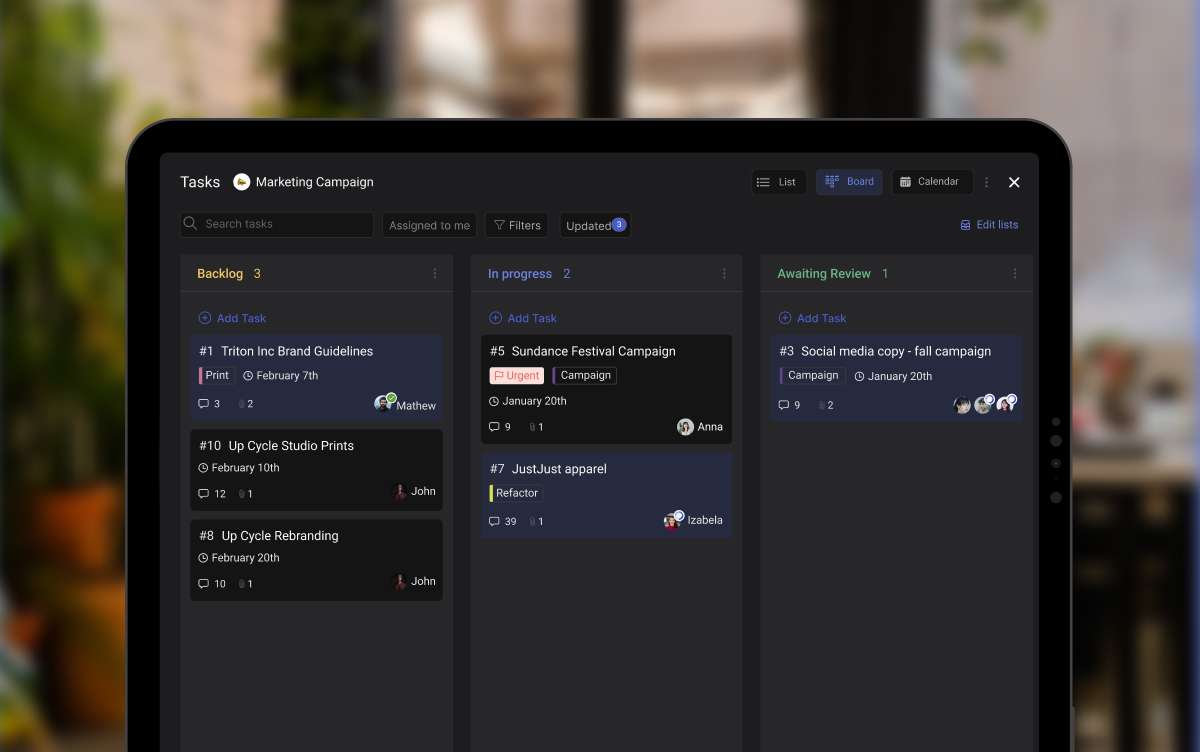
The last five minutes of every meeting should be spent confirming who does what by when. If you leave without clear owners and deadlines, the meeting did not produce a result. It just produced a conversation. Turn those action items into actual tasks so nothing falls through. Use a task prioritization system to make sure they do not get buried.
Cancel if there is no agenda 24 hours before
This is the single most effective meeting policy you can adopt. If nobody has written an agenda 24 hours before the meeting, cancel it. If the meeting was important enough to schedule, it is important enough to prepare for. No agenda means no clear purpose, which means the meeting will drift. Learn how to cancel a meeting without making it awkward.
"Every minute spent in a wasteful meeting eats into time for solo work that's equally essential." - Leslie A. Perlow, Konosuke Matsushita Professor, Harvard Business School

What We Do at Rock
At Rock, we are a distributed team, so we have had to be deliberate about which meetings exist and which don't. Our approach is async-first for anything structured. No meeting happens without an agenda. Status updates go in chat. Decisions get documented in notes. Action items become tasks with owners and deadlines.
But we do not treat every interaction as a productivity exercise. Coffee chats and 1:1s happen without agendas. Those are not about output. They are about maintaining culture and trust when your team is spread across time zones. You cannot replace the feeling of a casual conversation with a well-written task description.
The rule we follow is simple. Structured meetings need structure: agendas, timeboxes, action items. Relationship meetings need presence: attention, openness, no clock-watching. Mixing those up is where teams go wrong. They add agendas to coffee chats (which kills the vibe) or skip agendas for planning sessions (which kills the outcome).
If you are dealing with Zoom fatigue, the problem is probably not meetings themselves. It is that too many conversations are happening in meeting format when they could be handled through a quick message, a shared note, or a task update. Moving routine communication to async frees up meeting time for the conversations that genuinely need everyone in the room.
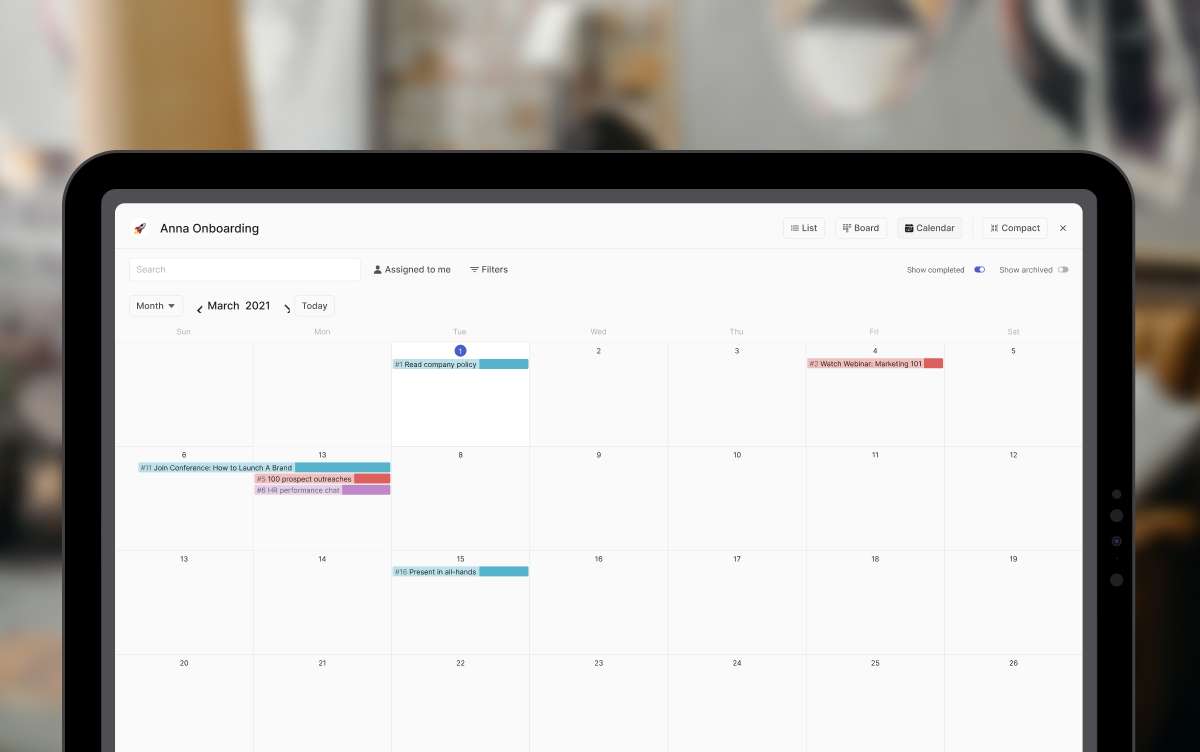
We run retrospectives at the end of each sprint to review what worked. Even those stay under 45 minutes because the team writes their input in a shared note before the meeting starts. The meeting itself is just discussion and decisions, not brainstorming from scratch. Rock's built-in meetings keep Zoom, Meet, or Jitsi one click from the space where prep and follow-ups already live. Rock's built-in meetings keep Zoom, Meet, or Jitsi one click from the space where prep and follow-ups already live.
Start With Better Questions
The answer to "how long should a meeting be?" depends entirely on whether the meeting should exist in the first place. Start there. If the answer is yes, keep it tight. Use the research-backed durations above as your defaults, not whatever your calendar app suggests.
Default to 25 minutes. Write agendas as questions. Cancel meetings that do not have a clear purpose. And protect the meetings that matter: the 1:1s, the coffee chats, the kickoffs where real alignment happens.
Meeting duration is not about finding the perfect number of minutes. It is about being honest about which conversations need to happen in real time and which ones don't. Get that right, and the calendar starts working for your team instead of against it.
For the meetings that stay on your calendar, our guide on inefficient meetings walks through the before, during, and after phases that actually make a meeting worth the hour. And our Zoom vs Google Meet comparison covers the video tool itself.





